
Pill Identifier & Drug Finder
Identify any pill by photo
AI scans loose pills, blister packs, and medicine boxes — then shows name cues, dosage context, and safety notes. Guidance only; always confirm with a pharmacist.
Identify pills in seconds on iPhone
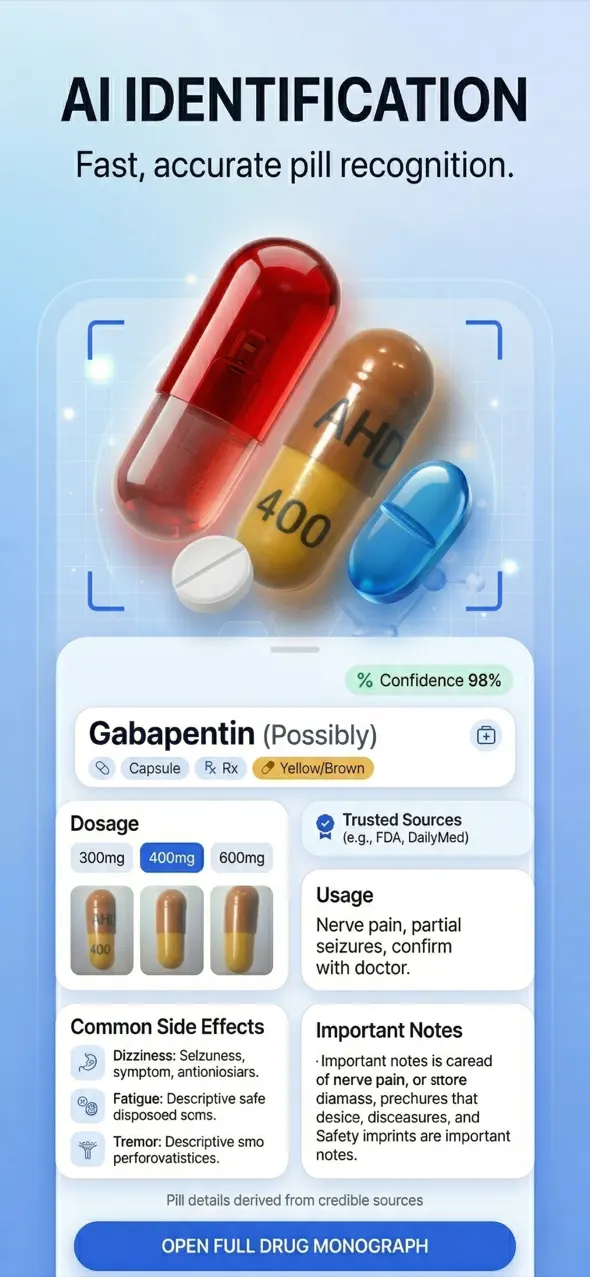
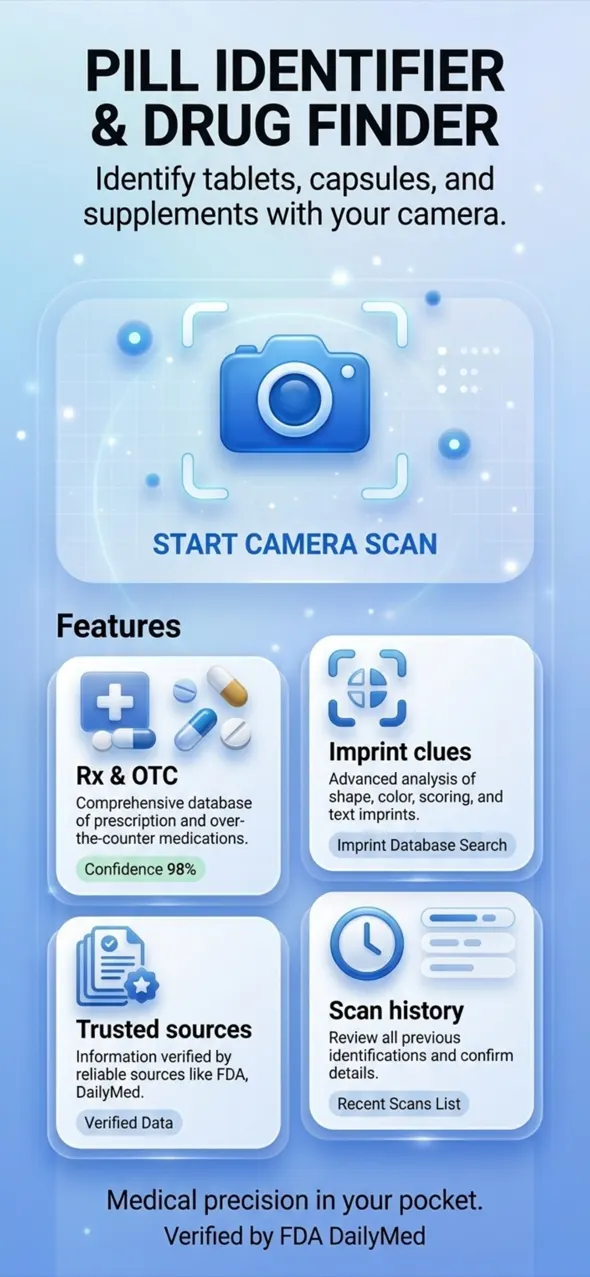

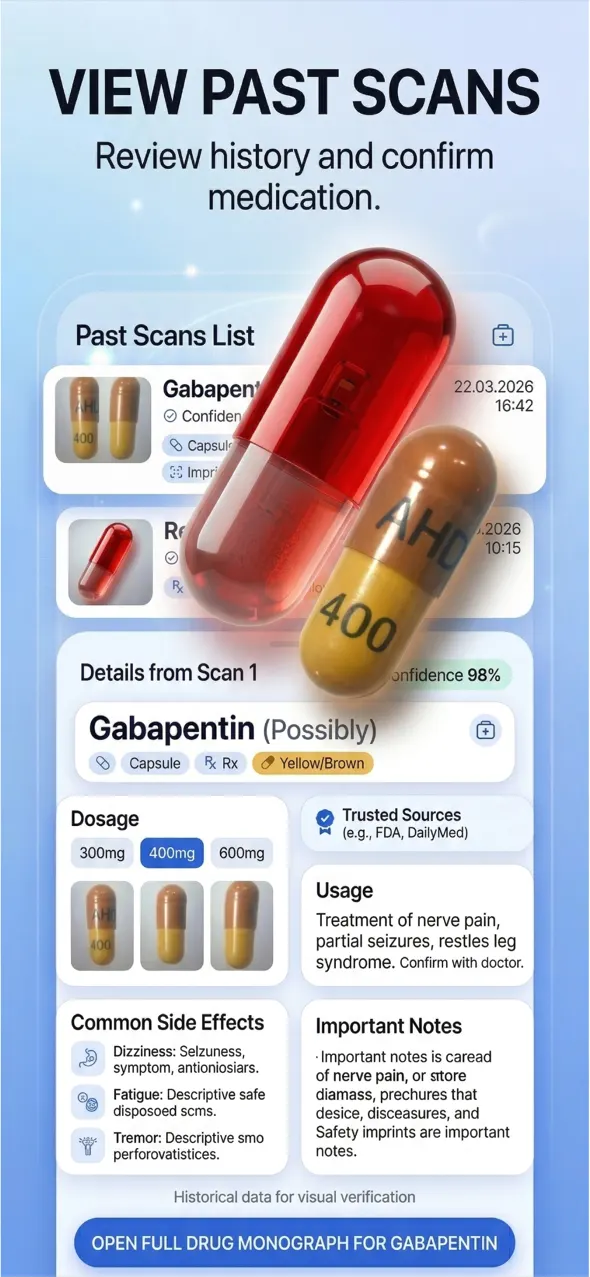
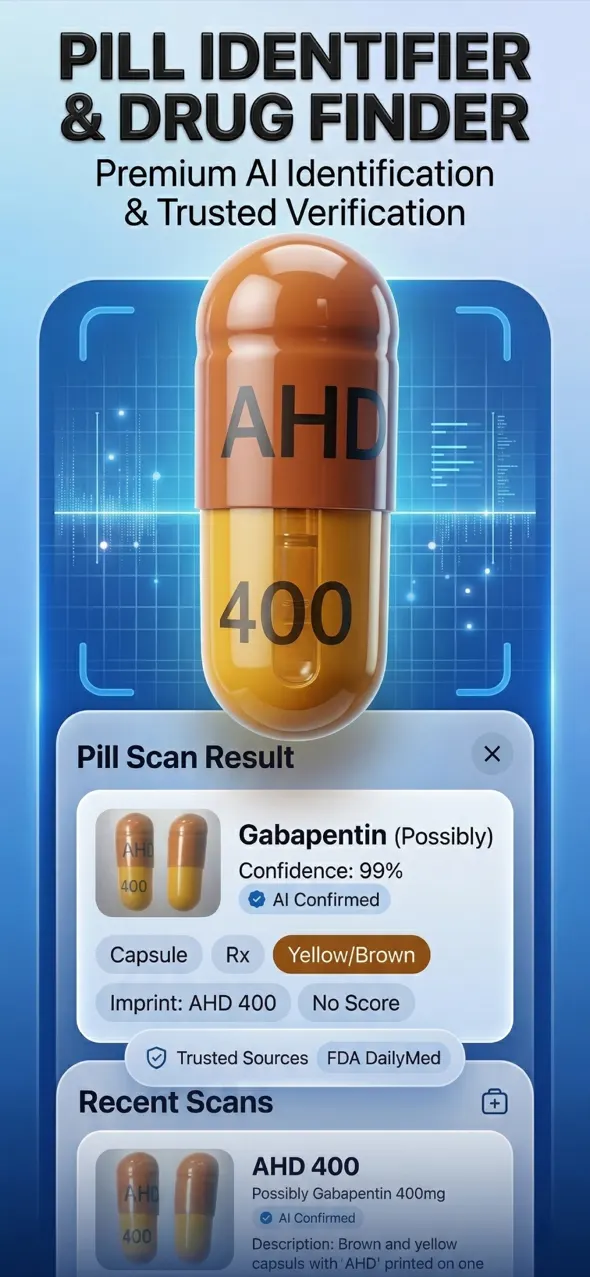
10M+
Downloads
50K+
Happy Users
#1
Health App
4.9★
Rating
Editor's
Choice
AI
Powered
Loved by caregivers and families
Real feedback from people who use Pill Identifier & Drug Finder every day.
“Helped me identify a loose pill in my mom’s organizer within seconds. Clear and calm — exactly what you need in a stressful moment.”
Sarah M.
App Store · United States
“The blister and box scan is a game changer. I don’t have to pop pills out just to check what they are.”
James K.
App Store · United Kingdom
“Beautiful app, fast AI results, and the safety notes make me double-check with the pharmacist when it matters.”
Elena R.
App Store · Spain
Why people choose Pill Identifier & Drug Finder
Photo & packaging
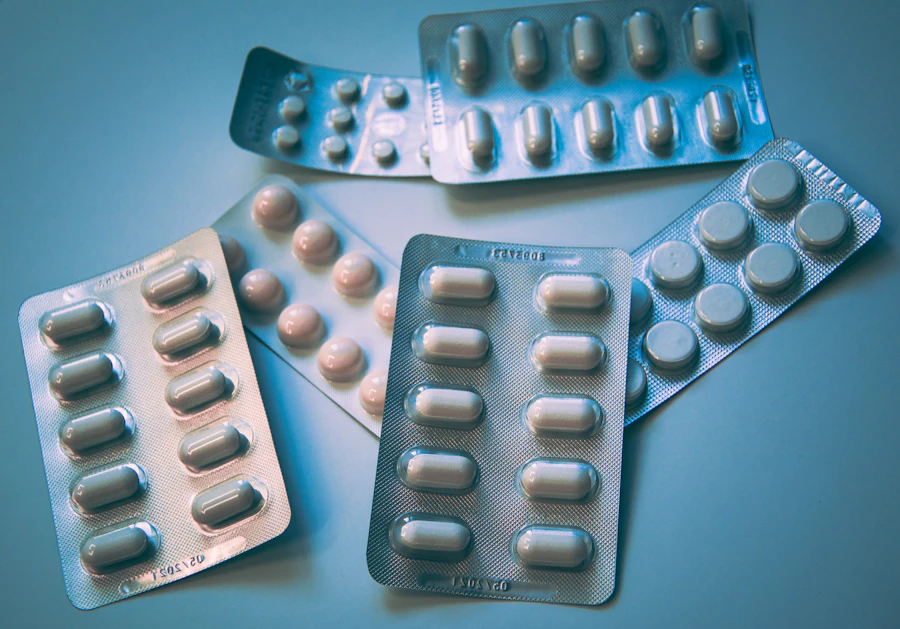
Photograph loose tablets, capsules, blister packs, and labeled medicine boxes without emptying your organizer first.
Imprint-aware AI
The AI weighs shape, color, and imprint markings, then pairs visual cues with packaging text when available.
Safety details
Review likely name cues, dosage context, common uses, side-effect highlights, and interaction notes before you confirm with a pharmacist.
Likely match
Example medication
Imprint · dosage context · warnings
Three steps to clarity
- 01
Capture
Use your iPhone camera or photo library. Good lighting and a contrasting background improve imprint readability.
- 02
Analyze
AI reviews shape, color, markings, and label text, then compares those signals with common medication patterns.
- 03
Review
See an identification estimate with confidence cues and medication detail sections — then verify with a professional when stakes are high.
Built for caregivers, travelers, and everyday medicine cabinets
Mystery pills show up after hospital stays, travel packs, spilled organizers, and shared bathrooms. Pill Identifier & Drug Finder gives you a calm, structured first check on iPhone — not a diagnosis. Use results to ask better pharmacy questions, keep original packaging when you can, and never take a tablet you cannot confidently verify. Educational guidance only; always confirm medications with a qualified pharmacist or physician.
Visual first step
Start with a clear photo before guessing look-alike white round tablets.
Packaging support
Scan blister foils and boxes when removing a single pill is impractical.
Safety mindset
Escalate to a pharmacist for damaged pills, mixed substances, or urgent symptoms.
Popular medication guides
Long-form answers to the searches people make before they open a pill identifier.
How to Identify a Pill by Photo (Step-by-Step Guide)
Learn how to identify unknown pills using a smartphone photo: lighting, background, packaging tips, and when to ask a pharmacist.
Pill Imprint Codes Explained: Letters, Numbers & Logos
Understand pill imprint codes — why manufacturers stamp tablets, how to read them, and how imprint search helps identification.
Identifying White Round Pills: Why They All Look Alike
White round tablets are the hardest to tell apart. Use imprint codes, size cues, and packaging — never color alone.
Drug Interactions: Why They Matter When Identifying Pills
Learn why interaction checks matter after identifying a pill — combining medications can change safety even when each pill looks familiar.
When to Call a Pharmacist (Not an App)
Clear thresholds for when pill identifier apps are helpful — and when you must call a pharmacist, doctor, or emergency services instead.
How to Photograph Pills for the Best AI Results
Camera settings, lighting, backgrounds, and framing tips that improve AI pill identification accuracy on iPhone.


Support & contact
Questions about the app, privacy, or subscriptions? Reach our support team by email — we respond as quickly as possible.
Email: eyupinan08@gmail.com
Ready when mystery pills appear
Download Pill Identifier & Drug Finder and keep a fast visual check on your iPhone.